Cart
Quantity :
Loading...

 Close Menu
Quantity :
The MPC range of samplers and music workstations from Akai has, at times, felt a little confused and slapdash. It's like they keep throwing configurations at the wall to see which one will stick. However, their most recent releases mark a level of confidence I don't think we've seen in a long time, and, finally, I believe Akai has nailed it.
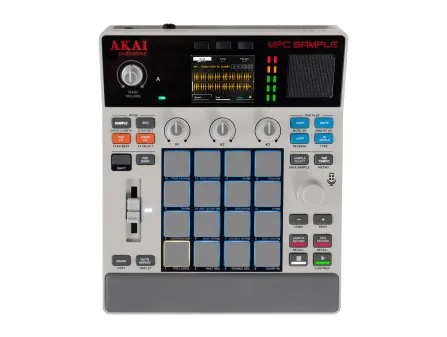
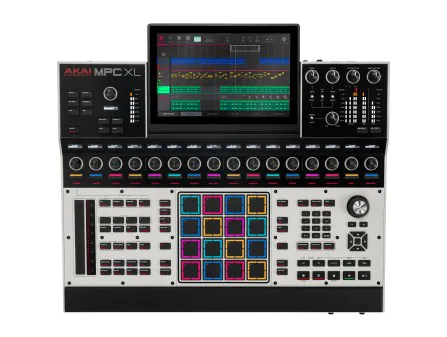
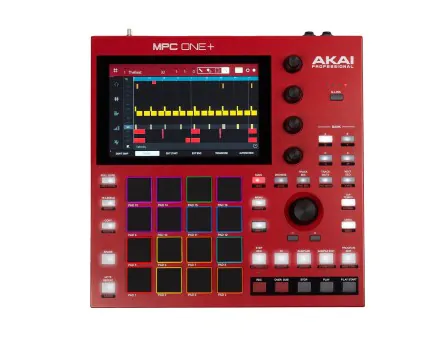
At the top, we have the awesome MPC XL, designed like a huge console and workstation hub that can be an entire studio. At the bottom, we have the new MPC Sample, a perfectly poised, fun, and instant sampling machine that rediscovers the joy of the MPC workflow and intuitive beat-making. Between the two we have the MPC Live III which somehow manages to lean into the fun and intuitive side of things while offering a complete music workstation in a compact and manageable form.
The journey to the MPC Live III has been quite interesting. About ten years ago, Akai shifted its focus from the Controller/Computer hybrid products like the MPC Touch back towards standalone MPC workstations. While everyone appreciated the versatility of tethering an MPC controller to a powerful DAW, it's just not how everyone wants to work, and Akai fans joined the rising demand from musicians and producers crying out for something a bit more DAWless. Akai answered with the MPC Live. It was clearly based on the MPC Touch, but somehow Akai had crammed in enough processing power to run the MPC 2.0 DAW software, making it completely self-contained. And it worked within the scope of sampling, sequencing, and audio recording.
The first MPC Live demonstrated that a hybrid workflow within a standalone box was possible, but once we got to the MPC Live MKII, Akai was able to run with it and make it a real alternative to a DAW. The biggest improvement was that you could now run virtual instruments on the hardware, opening it up to a much more versatile workflow. It was battery-powered and had a massive sound bar across the front, turning it into a machine you could use anywhere. They added CV ports on the back to connect to more than just MIDI. The software received many improvements, making it faster and more intuitive, and there were fewer and fewer reasons to connect it back to your computer.
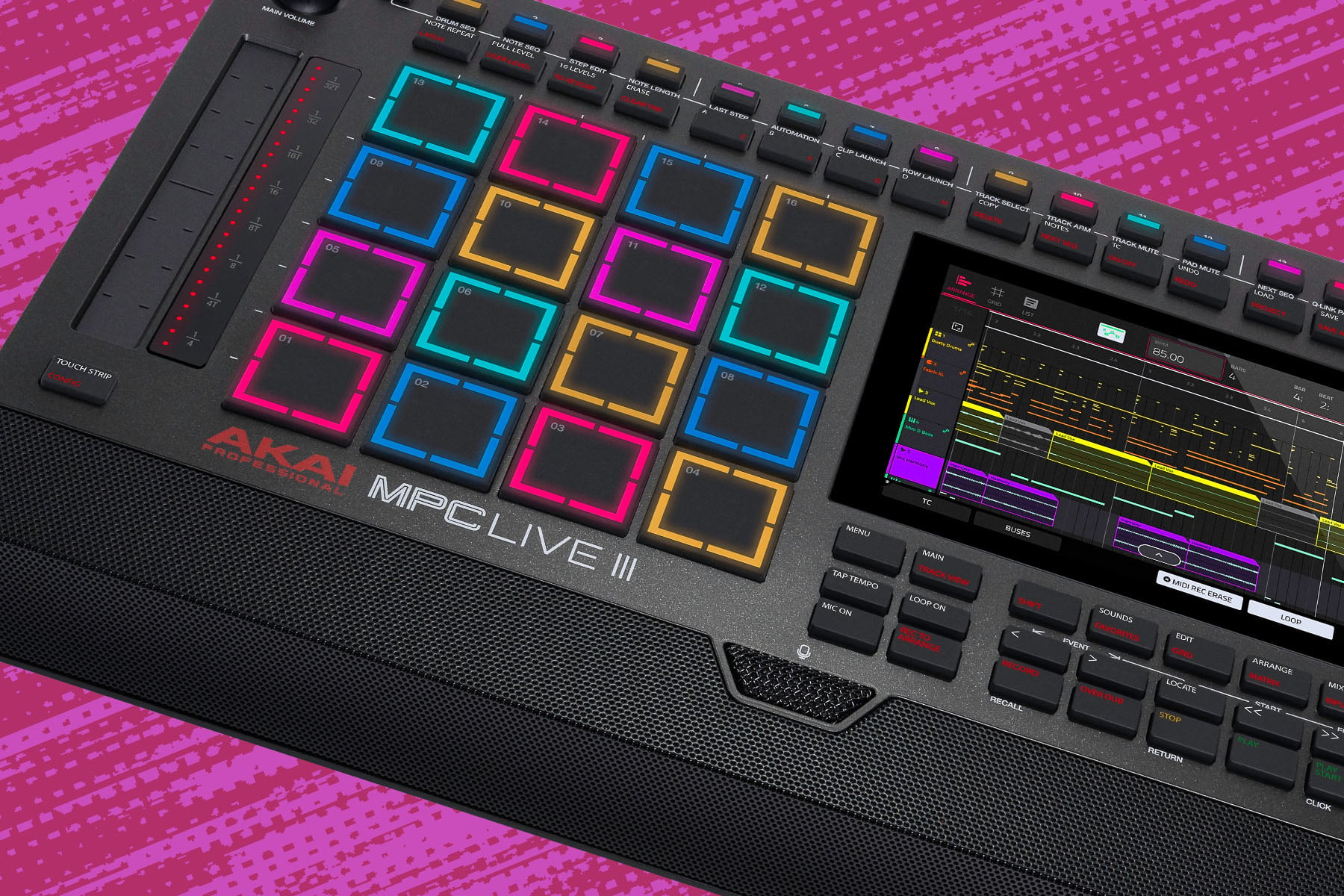
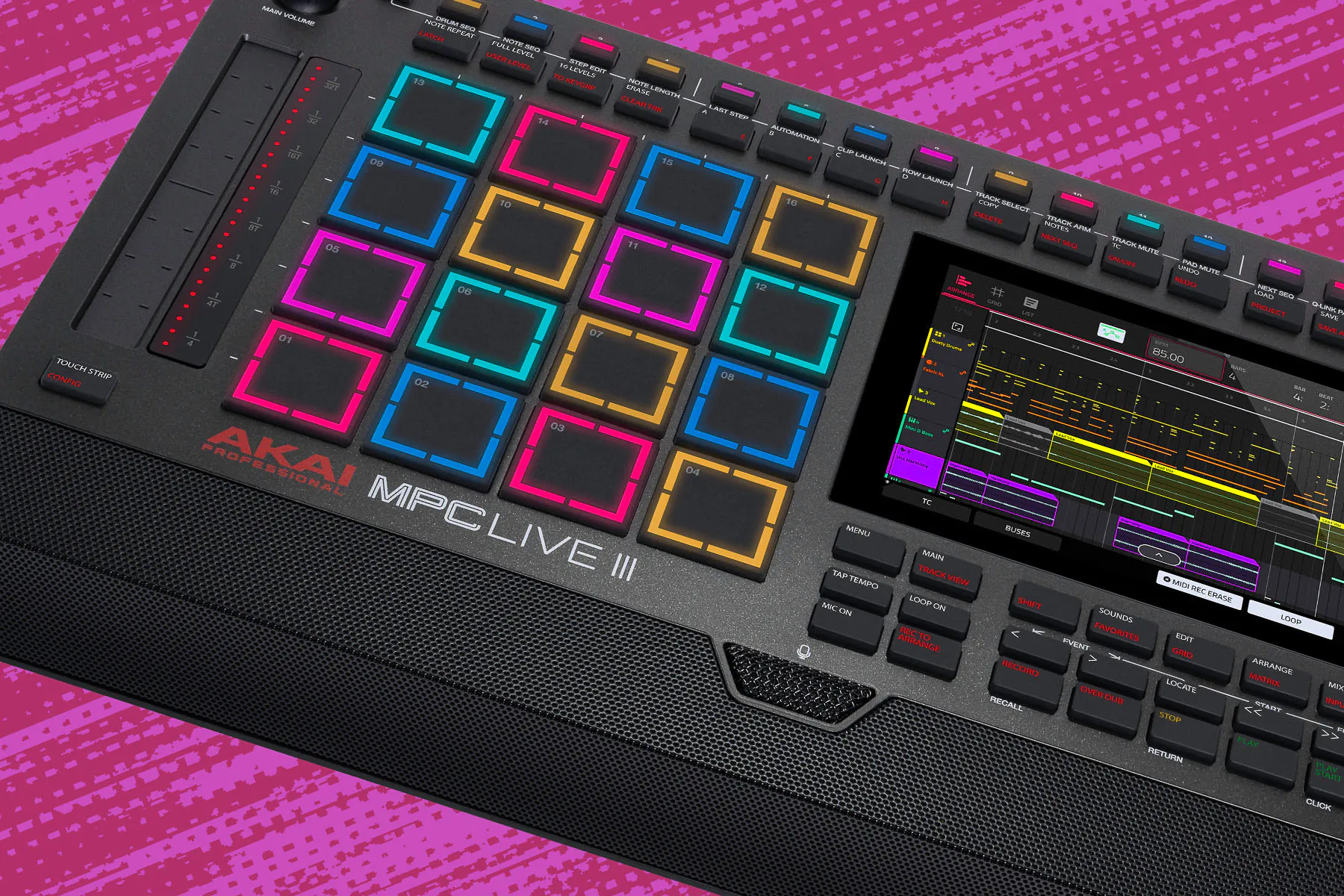
Now, with the MPC Live III, Akai has really stepped things up. In the hardware alone, you now have an 8-core processor and 8GB of RAM (the II had a 4-core and 2GB). The classic MPC pads have controversially been upgraded to more expressive, 3D-sensing MPCe technology. It has a built-in condenser microphone and a 24-channel audio interface. Running along the top is a dedicated 16-step hardware sequencer, and down the side is a touch-strip controller. It comes with the MPC 3.0 software supporting 32 plug-in instrument tracks and 16 audio tracks. It's fair to say that the MKIII is a massive step forward.
Akai's obsession with connectivity pours out the back with a full range of plugs and sockets for all occasions. The two line inputs have been upgraded to two XLR/combi mic or line inputs, with phantom power, alongside the phono inputs. Above the two MIDI In/Out ports are a row of four 2-channel TRS minijack sockets that can run 4 channels of CV and Gate. If you plug another audio interface into the USB sockets, the existing 4 inputs and 6 outputs can be supplemented by up to 24 channels of audio in and out. You can use the other USB socket for a MIDI controller, and you have USB-C for connecting to your computer. A separate power connection can run the show and charge the battery for up to 5 hours of use before plugging it in again.
The sound bar was first added with the MKII, and the stereo monitors contained within are pretty decent enough for home jamming. The built-in condenser microphone is a new and very welcome addition. There's a switch on the back for turning the speakers off, so you don't have to listen to them all the time.
When it comes to using any MPC, the focus falls upon those legendary pads. I don't think the pads have ever remained consistent in terms of touch or technology; in fact, it seems they are forever changing. This time we have something new, which Akai calls MPCe. It aims to offer the sort of expressive control you have with MPE (MIDI Polyphonic Expression) Controllers like the Roli Seaboard or Ableton Push 3, though it does so differently.
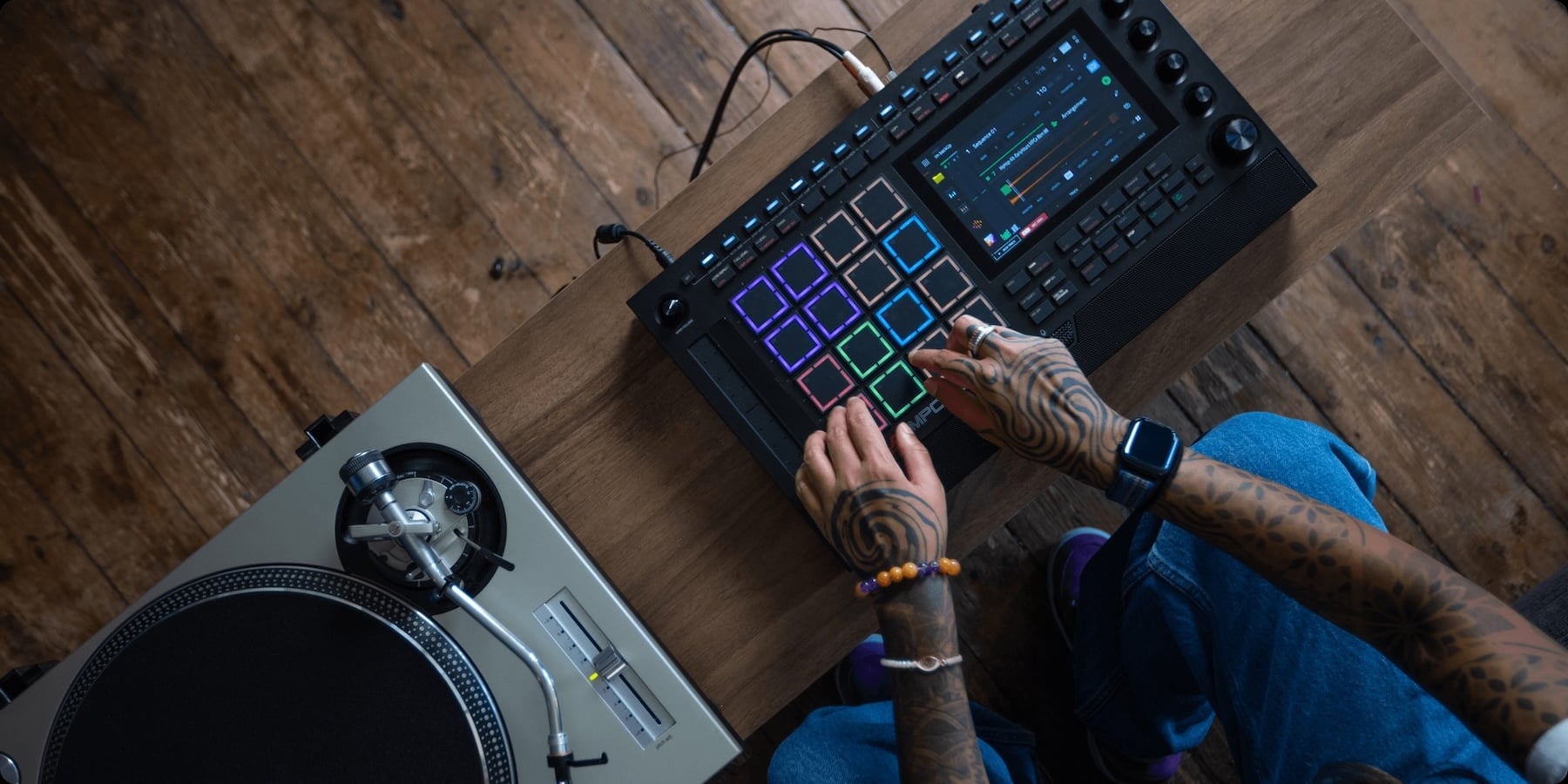
Each pad has become a little controller all of its own. They are split into four quadrants, clearly marked on the pad's outline. Each quadrant can have its own sample, effectively giving you up to 64 samples available through the 16-pad interface. Between the corners, the surface operates with velocity, pressure, aftertouch, and movement as an XY pad for controlling parameters. So you can hit and move the filter, or smash and modulate. You can allocate performance articulations, like rolls and trills, to different areas, giving you different responses depending on where you hit them.
The potential here is huge. Not just the increase in sample count on the front panel, but the modulation, the performance effects, the ability to lean in and move between parameters are all truly excellent. The one thing you can't do is glide between notes, which is common on keyboard MPE controllers, but you can always use some clever pitch bending to mimic that behavior.
The new touch-strip might come in handy for this. It's a freely assignable modulation strip that could control pitch, filters, sustain, level, or anything else you want to direct it to.
In a move that I feel shows how keenly Akai has its finger on the pulse of changing music production trends, they've pulled the step sequencer out of the screen and onto the front panel. You can tap a pad, then drop gates across the 16 steps in a classic TR-style workflow. That physical interaction, following the lights and playing with the patterns, is just so enjoyable. And of course, each step can do far more than turn on or off. You can add velocity via the touch-strip, you can add ratchets, probability, and adjust the timing on or off the grid. You can tune, you can chop, add envelopes, filter changes, slice selections, all within the step edit on the front panel.
Not everything is available to you in step edit mode. If you want to dig deep into all the parameters and track settings, then you can drop into the on-screen step sequencer view and get access to every possible value. It's really great having this overlap between the intuitive hardware step sequencer and a deeper, but less immediate, on-screen sequencer. The hardware definitely helps you creatively and removes many of the barriers that made the software slow and sometimes awkward. But the complexity that's difficult to replicate in hardware remains in the software.
You would be forgiven for thinking that clip launching and loop-based scenes are something natural to the MPC workflow when in fact, it's only been available on the Akai Force production station. The Force is very much in the style of an Ableton Live hardware controller, but has the ability to run standalone. The MPC Live III brings the Force's clip-launching functionality into the MPC ecosystem for the first time.
Any pattern or loop you create on the MPC can be copied into a clip and arranged in what they call the Matrix. These clips can be stacked vertically on individual tracks, creating a sort of chain of events, and then a clip from each track can be triggered alongside others in what's called a "Scene". If you've ever used a DAW with clip launching, such as Ableton Live, Bitwig Studio, Logic Pro, Fender Studio One, and so on, you'll find this very familiar.
There's plenty of versatility in terms of how you can launch clips; it doesn't have to be in scenes. You can launch them from the touchscreen, pads, and the step-sequencer, opening up all sorts of creative ideas. It's much more fluid than the usual block-based MPC approach. There are scene snapshots that store all the parameters on your tracks for instant recall at launch, and you can even store mixer automation clips and pull them into the party. I think this radically transforms the way you can approach MPC song building and makes it interesting to a wider range of producers and musicians.
On the downside, you can only touch one clip at a time on the otherwise multi-touch touchscreen, although you can do this on the Force, so it's probably fixable in a future update. You also can't drag clips; you have to copy and paste them, which feels like a missed opportunity.
Things have also evolved in the more traditional MPC workflow. The MPC Live III's software overhauled the interface and brought things together in a more consistent, DAW-like way. MIDI and audio tracks are no longer separated; sound sources are now track-based rather than floating in their own space, and everything is displayed in a multi-track arranger window.
There's some connection to the Matrix where you can copy sections into clips. Still, perhaps more usefully, you can record live sessions from the Matrix onto the Arranger's linear timeline. Any track can be played from the Matrix or the Arranger, which, when working within the restrictions of the screen, can get a bit difficult to keep track of. However, the redesigned Main view does a good job of keeping you focused on what your clip or track is doing.
With these updates and competing workflows, it is possible that Akai has built too much into the MPC Live III, and there's certainly room for finding yourself a bit lost or overwhelmed. However, Akai has managed to create a wonderfully good balance between traditional, hybrid, and future-looking ways of music production. They've opened up the MPC to a wider audience while building in solid tools that genuinely mean you could leave the computer behind and use this box for everything. That may mean leaving some of your favorite VST plugins and instruments behind, but to be honest, you'll hook it up to a computer when you need to.
Other than the bigger MPC XL, it's difficult to think of a more complete standalone music production platform than the MPC Live III. The size and portability might even give it an edge over its larger sibling. From beat-making to freeform tracking to loop-based live performance and modular sequencing, the MPC Live III has it all.


The information below is required for social login
Sign In
Create New Account